Software 3,709 sold Instant delivery
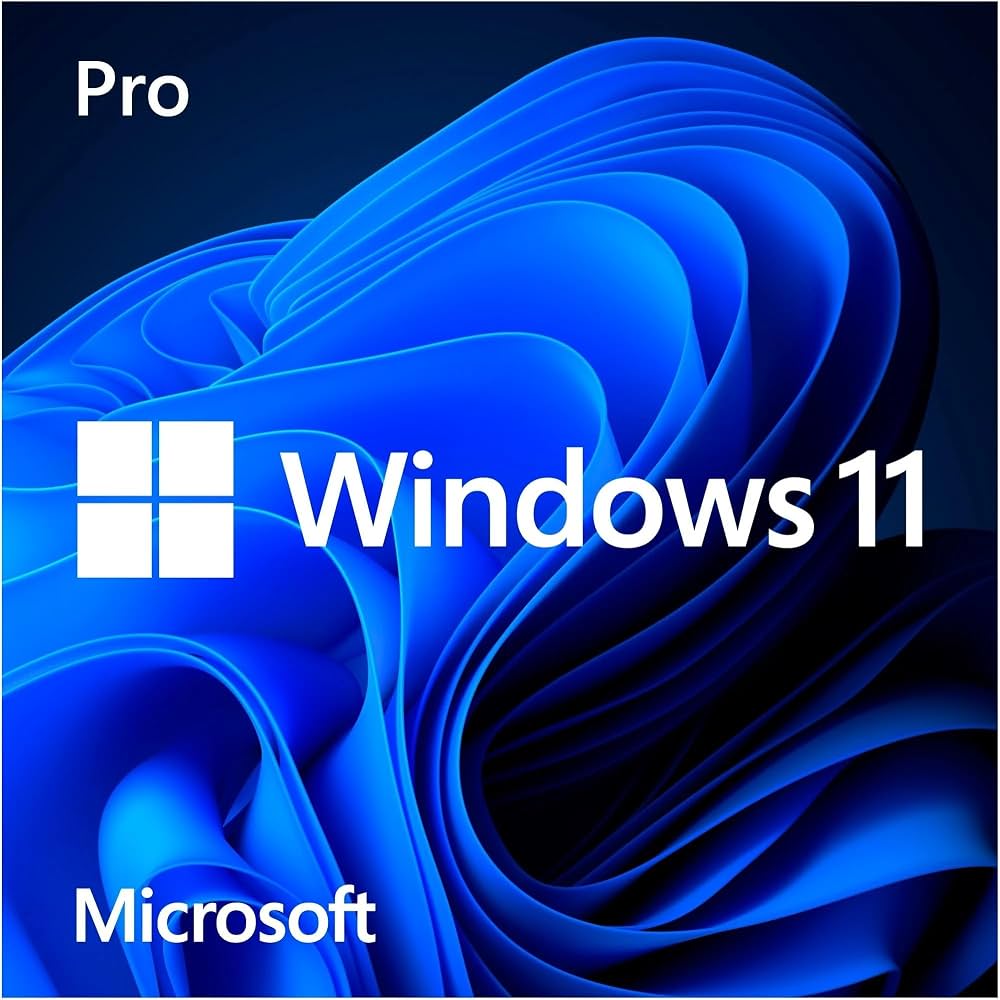
A genuine Windows 11 Pro key activates Windows 11 Pro on one PC, or upgrades your existing Windows 11 Home to Pro in a couple of minutes, without reinstalling anything. Your key arrives by email seconds after payment, so you can be activated before your coffee gets cold.
Windows 11 Home covers everyday use, but Pro adds the tools that matter once a PC holds work files, client data or a home lab. With this Windows 11 Pro key you unlock:
If you only browse, stream and write documents, Home is fine. Choose a Windows 11 Pro key if you work from home and need to reach your PC remotely, if you handle sensitive files and want full-disk encryption, if you run virtual machines, or if your employer or school expects domain features. Since the upgrade keeps your files and apps in place, many buyers start on Home and switch to Pro later with a key like this one.
Installing from scratch? Download Windows 11 from Microsoft's official site, choose the Pro edition when asked, and enter the key during setup or afterwards. You can also read Microsoft's official Windows 11 specifications before you start.
Yes. A retail Windows 11 Pro key is tied to you rather than to one specific motherboard, so if you replace your PC you can deactivate it on the old machine and use it on the new one. It works on one PC at a time. That flexibility is the main reason people prefer a retail Windows 11 Pro key over a locked OEM license.
Check that your PC meets Microsoft's requirements, especially TPM 2.0 and Secure Boot, which you can verify in Windows Security under Device security. Back up important files before any edition change, even though the Home to Pro switch keeps your data. Finally, make sure Windows is connected to the internet while you enter the code, because activation is confirmed online. If anything looks off, message us with your order number and we will walk you through it step by step.
Your license stays linked to your account details on the activation page, so after a clean reinstall you simply enter the same code again or let Windows reactivate automatically once it recognises your hardware.
Yes. Enter the key under Settings → System → Activation → Change product key. Your files and apps stay exactly as they are.
Yes. Install Windows 11, choose Pro, and enter your key during setup or afterwards from the Activation page.
No. One key activates one PC at a time. If you move to a new PC, deactivate the old one first, then enter the key on the new machine. Need more licenses? Browse our software shop or message us for a bundle.
Pair your Windows license with Microsoft 365 Personal for Word, Excel, PowerPoint and 1 TB of OneDrive.
Cards, crypto or your wallet balance.
Most codes arrive within minutes in your inbox and under My Account → Orders.
Stuck? Message us and we will walk you through it.