
Photoshop Plans Compared: Easy 2026 Buying Guide
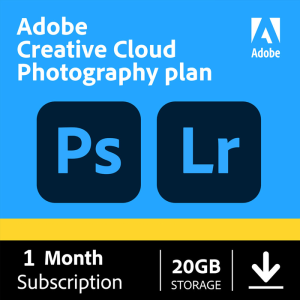
Compare Photoshop plans for 2026 — pricing, features & bundles — then get your Adobe key at masterofdigital.com/ today.
Read guide →Genuine Windows, Adobe and Microsoft software licenses — every payment is protected, with real support if anything goes wrong.


License codes with the price shown upfront. Pay securely, get your code in minutes, and keep 15 days of protection.
No products in this tab yet.
From payment to activation, every step is built so that if something goes wrong, you are covered.
Most license codes appear on your order page and in your inbox as soon as payment is confirmed. A few products are delivered manually, usually within a few hours.
Contact us within 15 days with your order number. We will replace the code or refund you in full.
Questions before or after you buy? Email us or message us on Telegram. We usually reply within a few hours.
Three simple steps, on every order.
Your payment is processed safely — cards and crypto both supported.
Most license codes are delivered instantly to your order page.
A protection window stays open after delivery — reach out if anything's wrong and we'll sort it out.
Step-by-step help with activation, licenses and getting the most from your software.
Compare Photoshop plans for 2026 — pricing, features & bundles — then get your Adobe key at masterofdigital.com/ today.
Read guide →
See the Adobe Acrobat Pro price for 2026: monthly vs annual plans, what's included, and how to get a license key for…
Read guide →
Creative cloud video editing bundles Premiere Pro, After Effects & more in one plan. See what's included, setup steps and pricing. Shop…
Read guide →Use code WELCOME10 at checkout — automatically valid on your very first purchase.
Quick answers about delivery, payment and protection. Can't find yours? Ask us.