Software Instant delivery
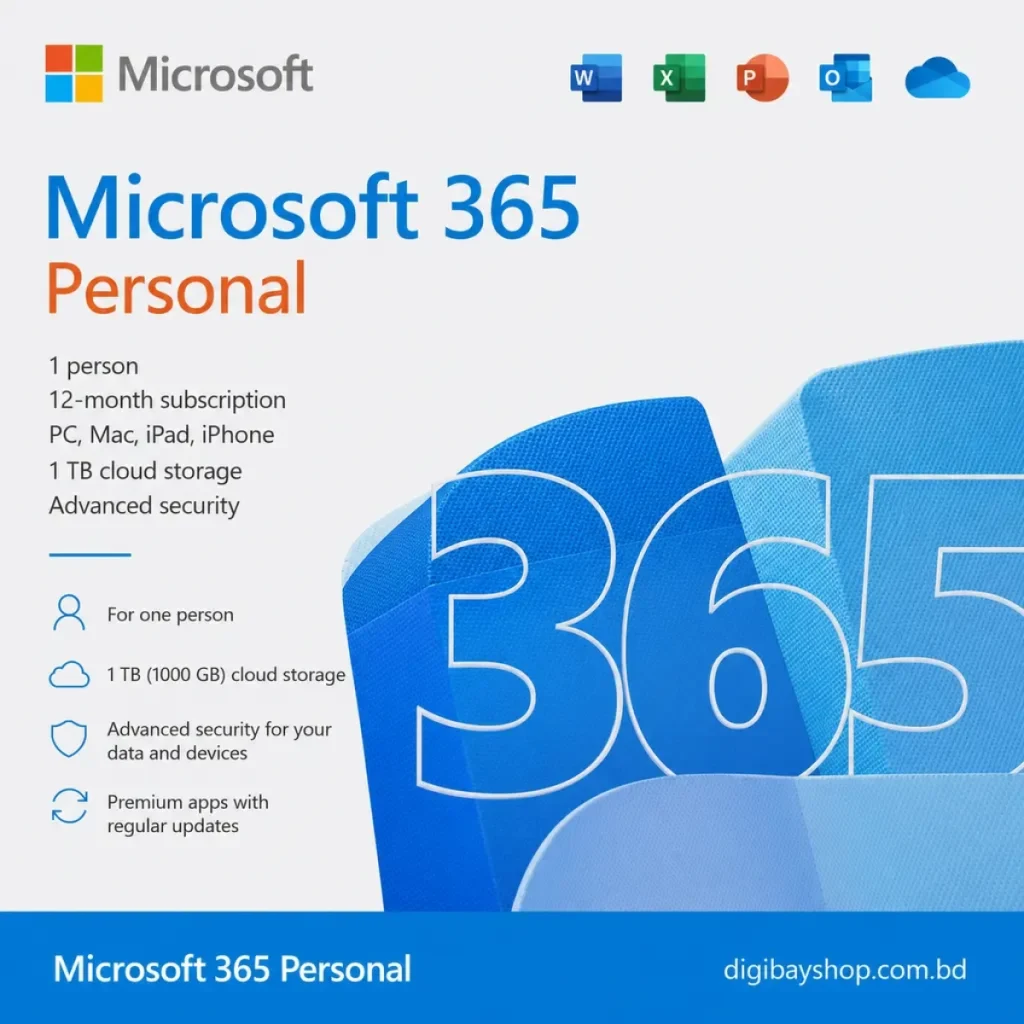
A Microsoft 365 Personal key gives you a full year of the Office apps you use every day, plus 1 TB of OneDrive cloud storage, for one person on all of their devices. Buy it, redeem it on your Microsoft account and start working within minutes.
A one-time Office license stays on the version you bought. Microsoft 365 is a subscription, so you keep getting new features and security updates, and your documents sync through OneDrive so you can start on a laptop and finish on a phone. For students, freelancers and home offices, a Microsoft 365 Personal key is usually the simplest all-in-one setup.
Already subscribed? Redeeming a new key on the same Microsoft account extends your existing subscription by another year. You can compare plans on Microsoft's official Microsoft 365 page.
Personal is for one person. Family covers up to six people, each with their own 1 TB of storage. If you are the only user, a Microsoft 365 Personal key is the better value. Setting up a new PC too? Pair it with a Windows 11 Pro key and browse the rest of our software shop.
Create or sign in to your Microsoft account first, so the subscription is attached to an account you control. Once redeemed, install the apps on your main computer, then sign in on your phone and tablet to sync everything. Turn on OneDrive backup for your Documents and Desktop folders so important files are safe in the cloud, and use the Microsoft 365 mobile app to scan paperwork straight into Word or PDF. Your subscription renews according to your Microsoft account settings, so check them if you plan to extend later.
Yes. A Microsoft 365 subscription includes the latest versions and security updates for as long as it is active.
If you use Office every day, a subscription saves effort: always current apps, one login and cloud backup. If you only open a document once a month, free web versions may be enough. Most buyers who choose a Microsoft 365 Personal key do so for the desktop apps, offline editing and the 1 TB of OneDrive storage that comes with it.
Yes. Microsoft renamed Office 365 Personal to Microsoft 365 Personal. Same apps, same subscription.
The Personal plan is for one person. For several people, choose the Family plan.
You can be signed in on up to 5 devices at once, across Windows, Mac, iOS and Android.
Cards, crypto or your wallet balance.
Most codes arrive within minutes in your inbox and under My Account → Orders.
Stuck? Message us and we will walk you through it.